The best weather apps for driving and road trips (2026)
The best weather apps for driving: what matters on the road, why radar and along-route forecasts help, and how weather fits into a car dashboard.
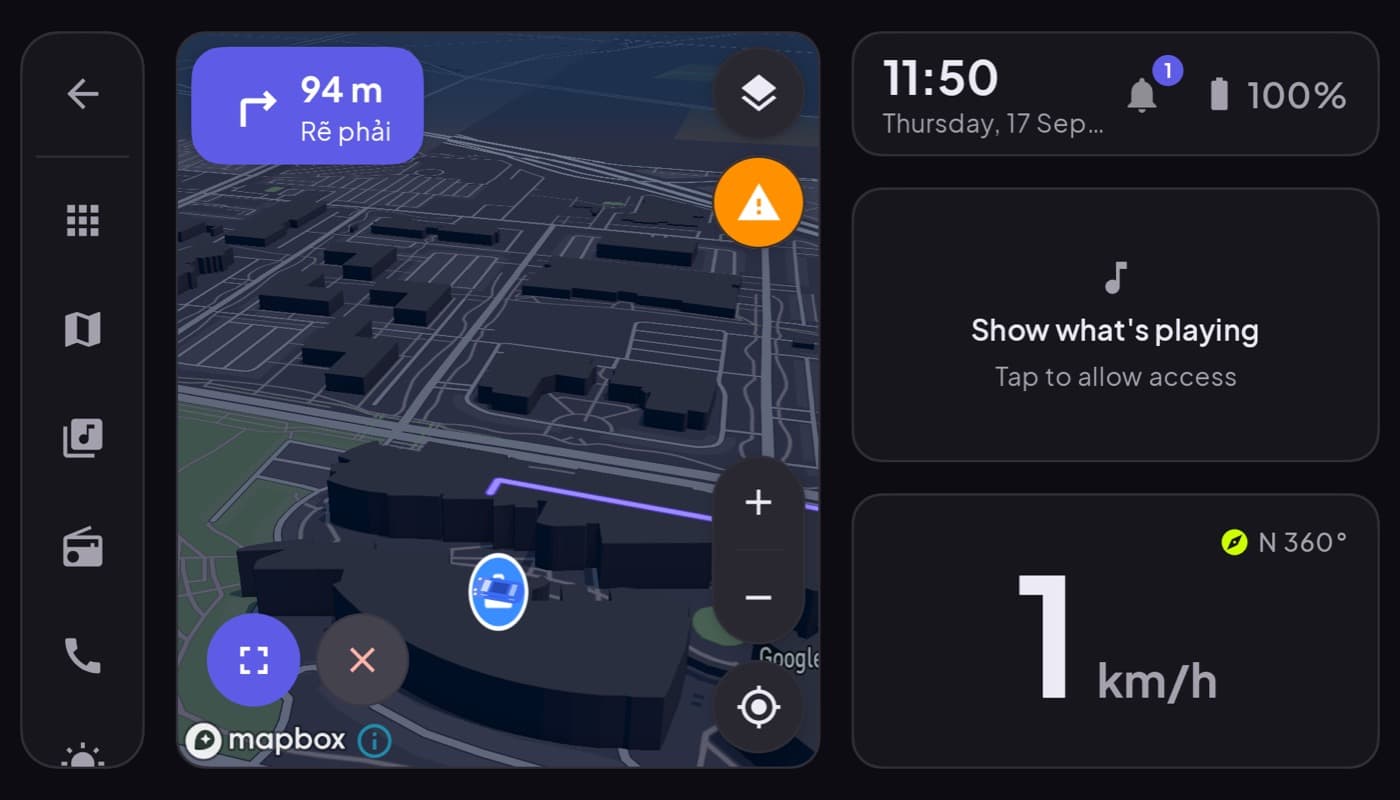
Weather changes a drive, from a light drizzle to a storm you should wait out. But the weather app on your phone is built for planning your outfit, not your route. For driving, you want a slightly different set of things. Here is what matters and how to keep it glanceable.
We make a dashboard app with a weather widget (Car Dashboard), so this has a stake, but the road-focused advice is general.
What matters for driving
- Conditions along your route, not just where you are now. A clear sky at home means little if there is a storm 40 miles ahead.
- The next few hours, hour-by-hour, so you know whether to leave now or wait.
- Radar, to see rain and storms moving toward your path.
- Severe-weather alerts, the one thing you genuinely need pushed to you.
What matters less on the road: the ten-day forecast, humidity graphs, and the busy dashboards weather apps love. In the car, less is safer.
What to look for
- A clean current-conditions view you can read in a glance, temperature, precip, wind.
- Interactive radar you check before you drive, not while moving.
- Reliable alerts for storms, ice, and flooding on your route.
- Along-route forecasting if you take long trips, some apps forecast weather at your ETA for points ahead, which is ideal for road trips.
Weather as part of the dashboard
Opening a separate weather app while driving is exactly the kind of app-switching a dashboard is meant to remove. You want the essentials at a glance, on the same screen as your speed and maps.
Car Dashboard shows local weather right in the cockpit, current conditions and a short outlook, next to your speedometer, clock and media, so you glance, you do not dig. Check the detailed radar before you set off; on the road, the widget keeps you informed without a single tap. Free on Google Play.
How to choose
- Daily commuter? A clean app with good radar and alerts is plenty, check it before you leave.
- Road-tripper? Prioritize along-route and hour-by-hour forecasting.
- Want weather without another app? A dashboard with a weather widget keeps it on your driving screen.
The short version: for driving, weather is about your route and the next few hours, not a ten-day outlook. Check radar before you go, and keep a glanceable current-conditions widget on your dashboard for the drive itself.
Frequently asked questions
- What is the best weather app for driving?
- For driving, the best weather app has a clean current-conditions view, interactive radar you check before you leave, reliable severe-weather alerts, and ideally along-route forecasting for long trips. Long-range forecasts and busy dashboards matter far less on the road, where glanceability is safest.
- Should I check the weather app while driving?
- Check detailed radar and forecasts before you set off, not while moving. On the road, a glanceable weather widget on your dashboard, showing current conditions at a glance, is safe; tapping through a full weather app while driving is not. Let severe-weather alerts come to you.
- Can a car dashboard show the weather?
- Yes. Car Dashboard displays local weather in the cockpit alongside your speedometer, clock and media, so you see current conditions at a glance without opening a separate app. Check detailed radar before driving; the widget keeps you updated during the trip.
Turn your phone into the cockpit
Car Dashboard puts a big glanceable speedometer, maps, music and hands-free calling on one dark, landscape screen, in any car. Free on Google Play.