The best fuel tracker apps for Android in 2026
The best fuel and gas mileage tracker apps for Android: what they log, how they calculate real MPG, and how fuel data fits into a car dashboard.
Your car's trip computer gives a rough MPG figure, but it forgets everything the moment you reset it. A fuel tracker app keeps the full history: every fill-up, the true cost per mile, and how your economy trends over months. It is one of the cheapest ways to catch a problem early and understand what your car actually costs. Here is how to choose.
We make a dashboard app that surfaces fuel data (Car Dashboard), so this has a stake, but the buying advice applies to any tracker.
What a fuel tracker does
Every time you fill up, you log the litres or gallons, the price, and the odometer. From that the app calculates:
- Real MPG (or L/100km), based on actual distance and fuel, not the optimistic trip computer.
- Cost per mile / km, so you know the true running cost.
- Spending over time, weekly, monthly, per trip.
- Trends, a graph that shows economy creeping down.
Why the trend matters most
A single MPG number is trivia. The trend is where the value is. A steady drop in fuel economy often signals something worth checking, tyre pressure, a dirty air filter, a failing sensor, before it becomes a bigger bill. A fuel log turns your spending into an early-warning system, and pairs naturally with a maintenance app.
Manual vs automatic
| Type | How it works | Trade-off |
|---|---|---|
| Manual entry | You log each fill-up | Accurate, but needs the habit |
| OBD-linked | Reads consumption from the car | Automatic, needs a dongle |
Manual apps are simple and precise if you remember to log. OBD-linked tracking, via a cheap ELM327 dongle, estimates consumption automatically, less effort, and closer to real-time.
What to look for
- Quick fill-up entry, the faster it is, the more likely you keep the habit.
- Clear MPG and cost-per-mile, not buried in menus.
- Trend graphs, the whole point.
- Multi-vehicle support if you run more than one car.
- Export for spreadsheets or expenses.
Fuel data as part of the dashboard
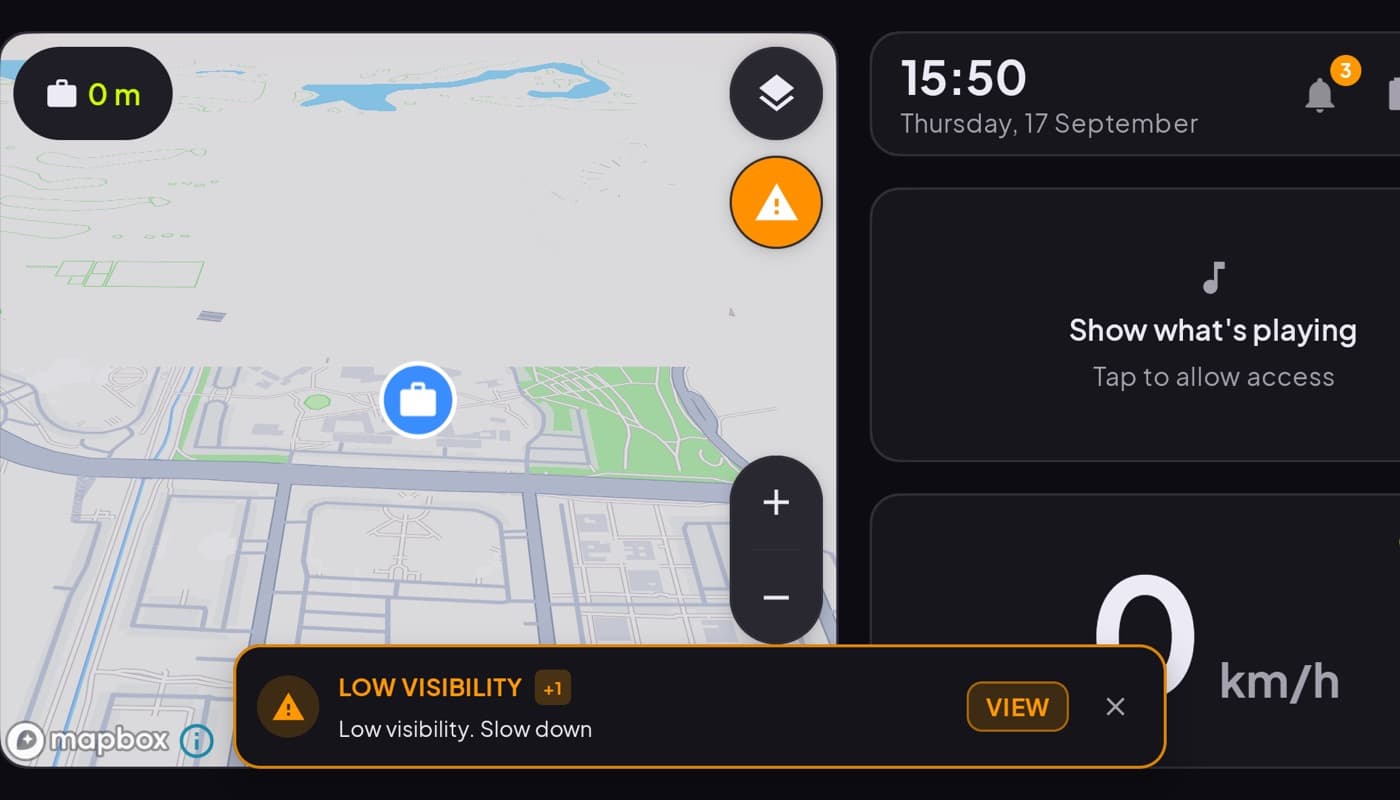
If your phone is already your car dashboard, fuel belongs there too. Car Dashboard shows a fuel gauge in the cockpit, and with a Bluetooth OBD dongle it can read real consumption and range from the car, alongside your speedometer, maps and media. A garage view keeps it per vehicle. Free on Google Play.
How to choose
- Want the simplest log? A manual fuel tracker with fast entry and trend graphs.
- Hate manual logging? An OBD-linked app or dashboard reads consumption for you.
- Watching running costs closely? Prioritize cost-per-mile and export.
The short version: a fuel tracker turns fill-ups into real MPG and a cost history, and its trend line is an early warning for maintenance. Log manually for precision, or link an OBD dongle to do it automatically.
Frequently asked questions
- What is the best fuel tracker app for Android?
- The best fuel tracker has fast fill-up entry, clear real MPG and cost-per-mile, and trend graphs, since the trend is what reveals problems. If you dislike manual logging, an OBD-linked app or a dashboard app with a Bluetooth dongle can read consumption from the car automatically.
- Why track fuel economy?
- Two reasons: to know your car's true running cost, and to catch problems early. A steady drop in MPG often signals an issue, low tyre pressure, a dirty filter, a failing sensor, before it becomes a bigger repair. A fuel log turns your spending into an early-warning system.
- Can a car dashboard app track fuel?
- Yes. Car Dashboard shows a fuel gauge in the cockpit, and with a Bluetooth OBD-II dongle it can read real fuel consumption and range from the car alongside your speed and maps. A garage view keeps the data per vehicle, so fuel lives in the same app as the rest of your driving.
Turn your phone into the cockpit
Car Dashboard puts a big glanceable speedometer, maps, music and hands-free calling on one dark, landscape screen, in any car. Free on Google Play.